Open at a glance
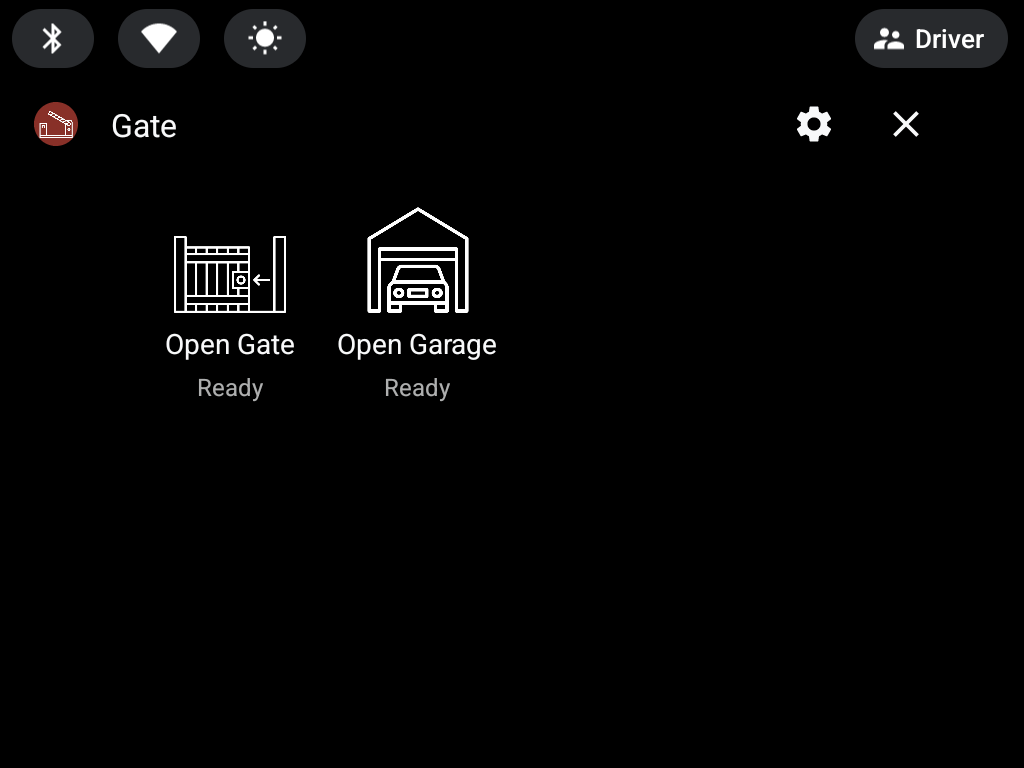
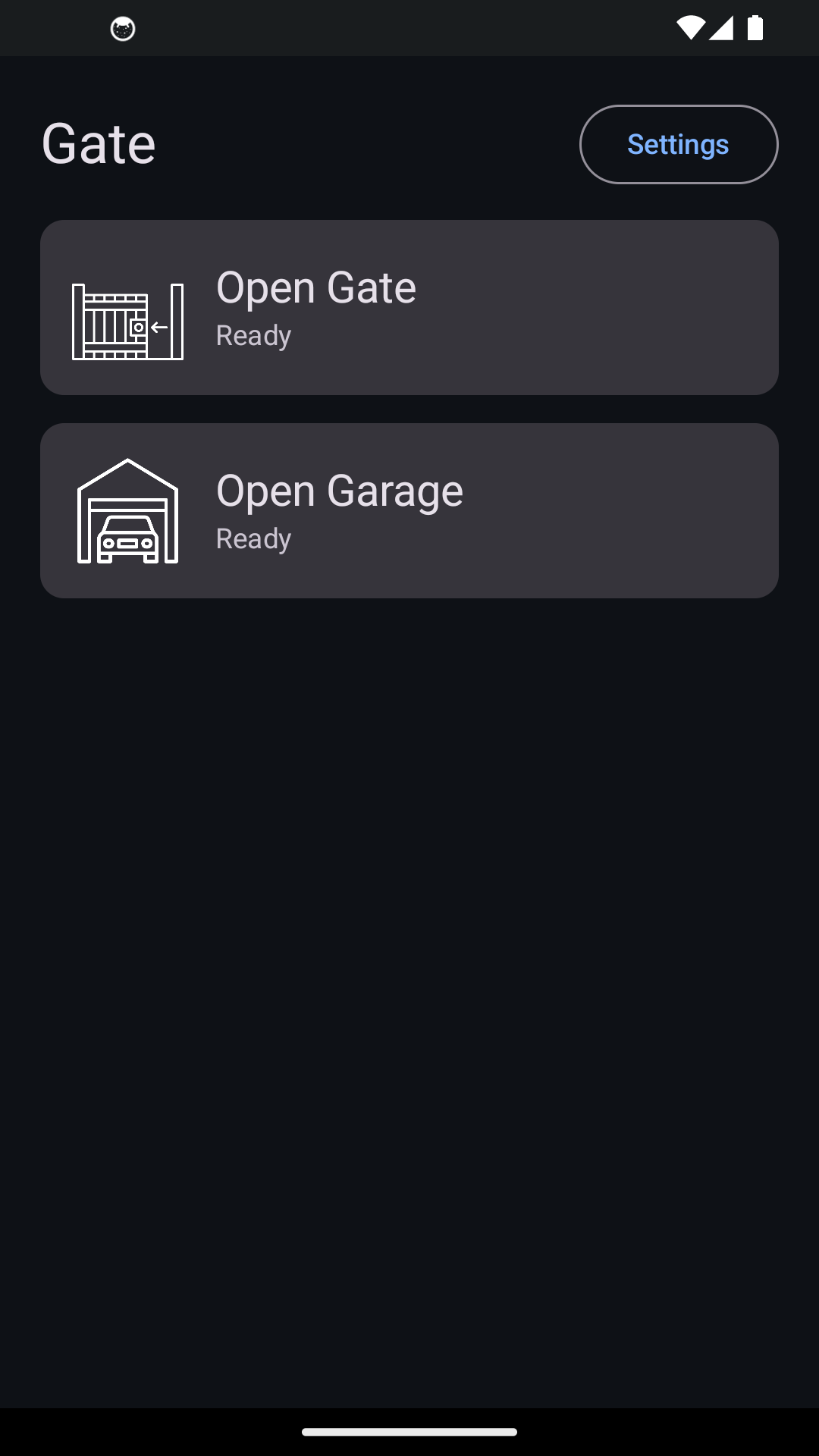
Clear tiles show each device and its status. Designed to be used safely while driving.

Gate triggers your own Shelly relay to open a gate, garage or door right from your car's or bike's screen or your phone.
No extra hardware, your data never leaves your device. Full control and safety at the tip of your fingers.
Scanned the QR code in the car's app?
Do you want to install the app?
No Shelly yet?
Do you like the app?
What it does
Big, glanceable tiles on the car screen. Tap to switch your relay instantly.
Optional timer that opens automatically as you arrive — or asks you to confirm first.
Control a gate and a garage (or any second relay) with per-device icons.
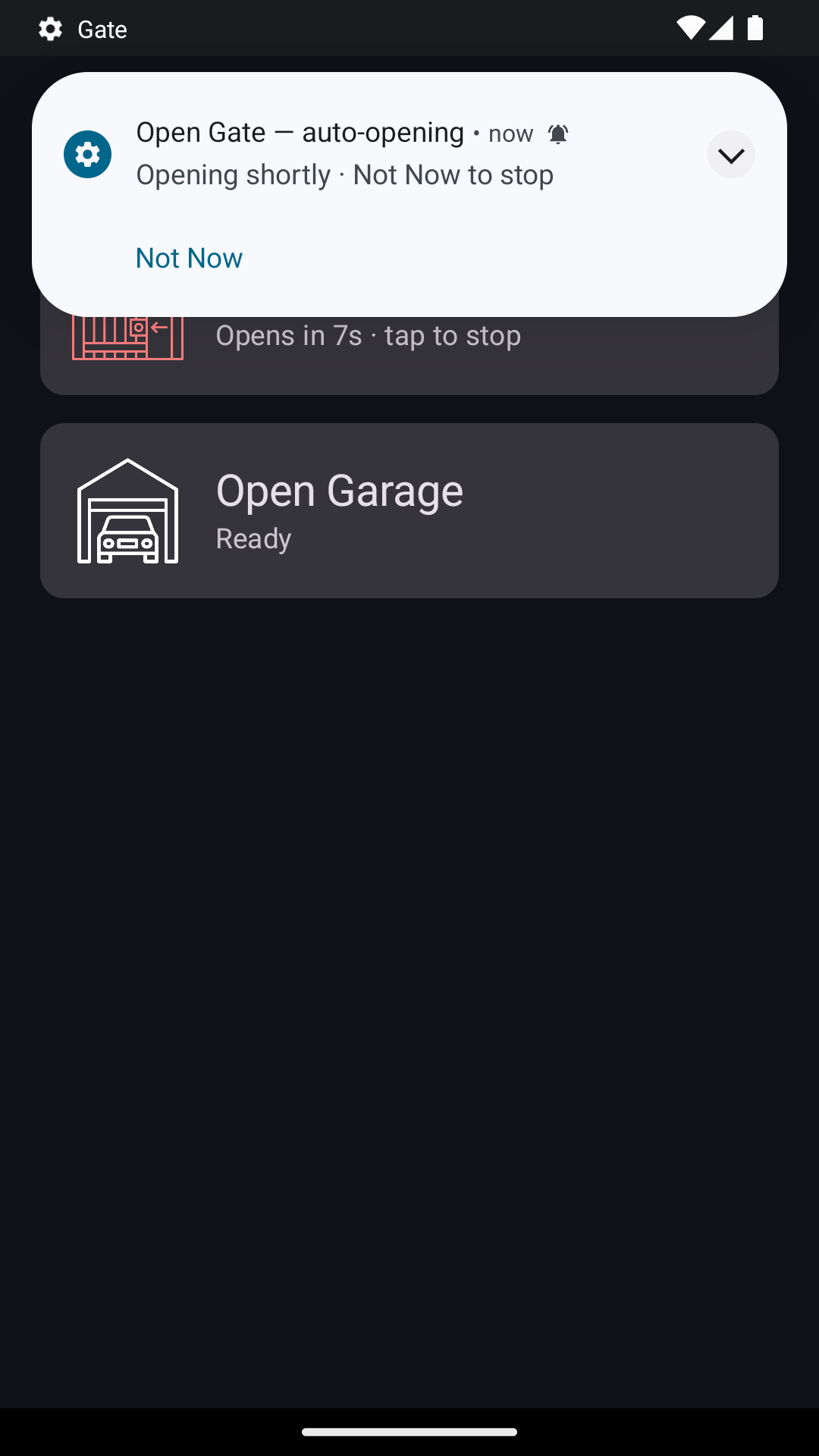
A multi-stage flow (countdown control, pop-up, then a persistent notification) so you decide exactly when it opens.
Credentials live only on your device. No analytics, no tracking, no servers of ours.
Same app on your phone, in Android Auto, and built into the newest Android Automotive OS cars, like Volvo, Polestar, Chevrolet or BYD.
Because we'd rather you buy us a coffee (to wake us up to new ideas) than have a single distraction cause an accident.
No ads, no tracking.
And one coffee, just once, costs less than the battery you swap in your remote every single year.
Your eyes stay on the road.
That's the whole deal. Drive safe. Cheers. 🇵🇹
It has a cost — but it's a one-time payment, and still cheaper than one remote or two batteries.
Win-Win for Life
Screenshots
Clear tiles show each device and its status. Designed to be used safely while driving.
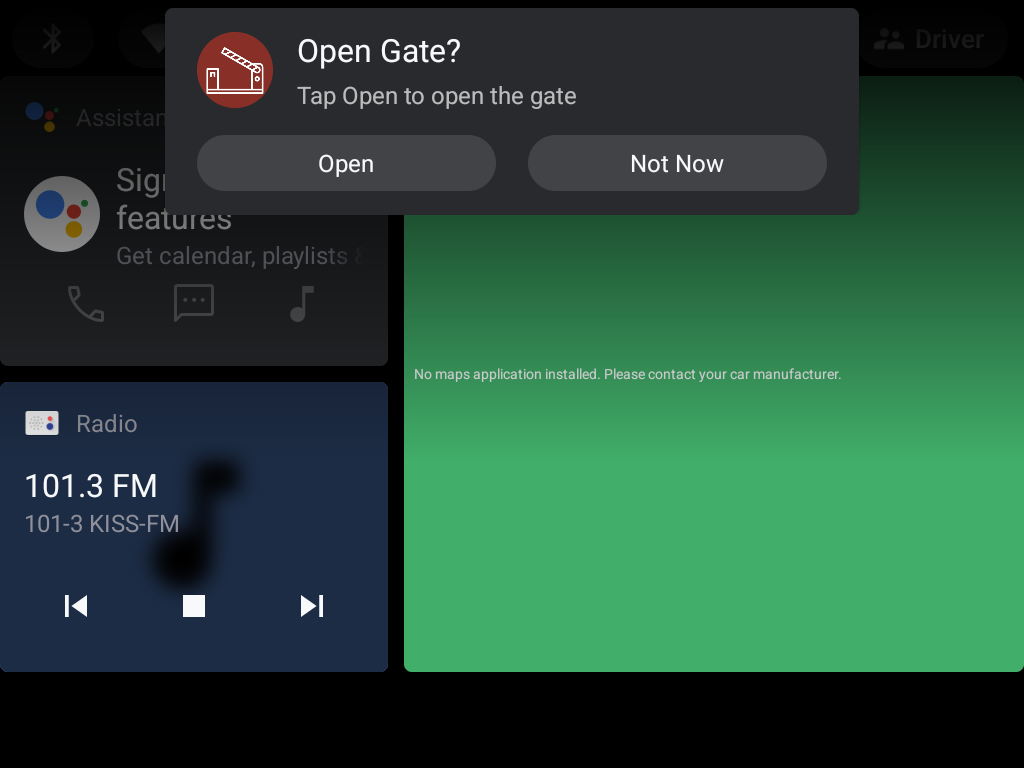
In request mode, Gate asks first with Open / Not Now — and keeps a message you can act on later.
Setup
API URL, key and device ID — all from the Shelly app. See how
Turn your details into a single-use link on the provisioning page.
Paste the link in Gate's Settings and tap Auto fill. It's deleted right after.
Prefer no link? Type your details straight into Gate's Settings on the car — same result.
Tap a tile — or let the countdown do it for you as you arrive.
Gate talks only to Shelly Cloud, using credentials kept on your device. The optional sync link is single-use and removed on the first use or within an hour.